
Important
This content may not be the latest Genesys Engage cloud content. To find the latest content, go to Genesys Engage cloud for Supervisors.
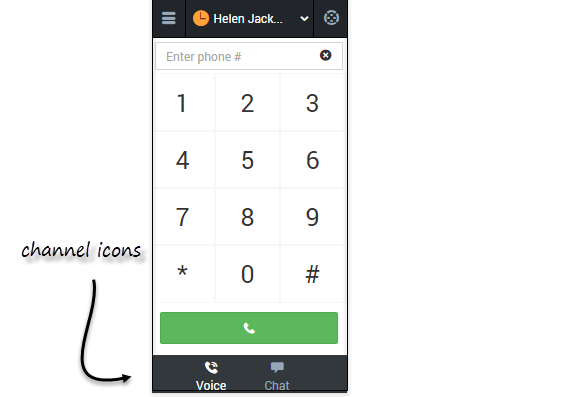
You can navigate to a different media channel in the Gplus Adapter for Salesforce by selecting the channel icon at the bottom of the adapter.
You can also view details about all your channels through the main menu: click Channels to see the list of channels that you're configured to use. You can use channel list to change your status on a particular channel.
This page was last edited on January 8, 2021, at 19:50.
Comments or questions about this documentation? Contact us for support!