
Available Packages
This section describes how to download and send LFMT packages built in the Log File Packaging section.
Important
- If/when using LFMT Client 8.5.104.00 thru LFMT Client 8.5.105.03 and GAX 9.0.103.08+
- Please ensure the respective GAX Application, with the LFMT Client Plug-in installed, has the [lfmt]/use_lfm_extension option set to true
- So that .lfm files and not .zip (the default as of 8.5.104) LFMT Package files are created and therefore downloadable via GAX
- This avoids a "Failed Forbidden" error when trying to download LFMT Packages
- This change is required because GAX 9.0.103.08+ filters .gz, .jar, .zip, and .rar API requests
Downloading an LFMT package
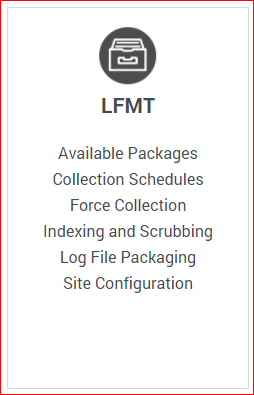
- In Genesys Administrator Extension, from the LFMT tile menu, select Available Packages
- Review the entries in the Available Packages table.
*In the example below there are 2 LFMT Packages Available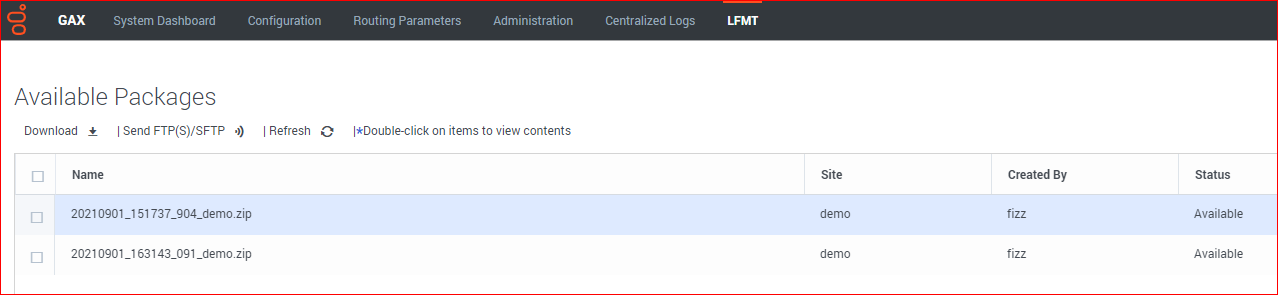 ImportantThe Available Packages window is scrollable should the package not be initially visible
*Packages marked as Pending are still being built by LFMT Collector.
*Packages marked as Available can be downloaded by the user.
*To view an updated status of a package, click the Refresh button.
 - To view the contents of a LFMT Package, double-click on the LFMT Package name
*The Package Contents dialog box will appear including the filename for the package and the filter criteria used to generate the LFMT Package.
*filename=20210901_151737_904_demo.zip
*filter criteria="2021-08-30, 2021-09-02, ConnID=00720314e24ede43 OR ConnID_StatServer=00720314e24ede43"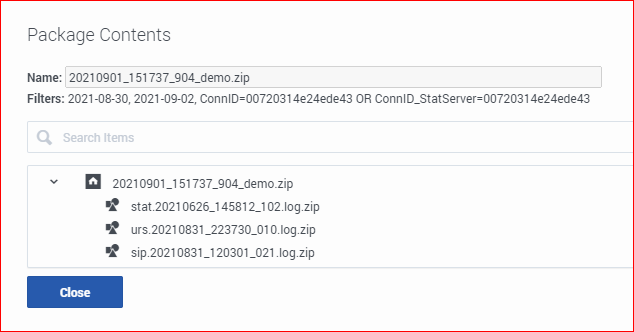
- Select the checkbox associated with desired package(s).
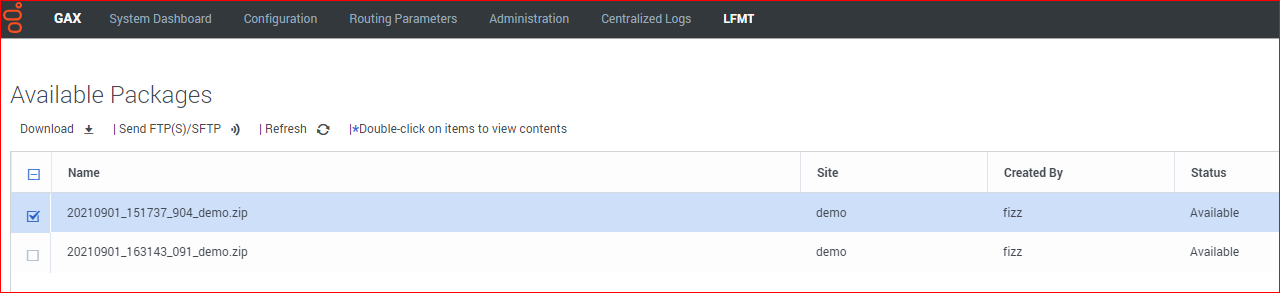
- Click the Download icon/button.
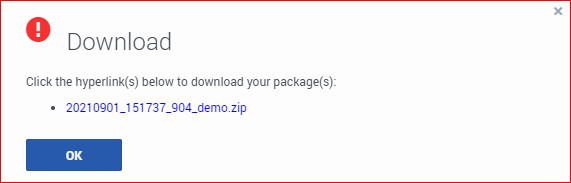
- The Download dialog will appear.
- Click the hyperlink associated with the LFMT Package(s) to start the download.
- Your Internet Browser will show status of the LFMT Package Download
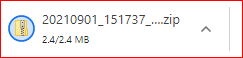
- Navigate to your Downloads folder to view the LFMT Package file

- The LFMT Package file can now be extracted for analysis/troubleshooting


- Extracted LFMT Package Example
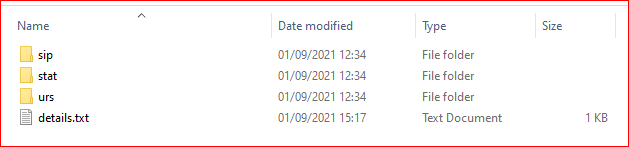
- Example details.txt content



Sending an LFMT package via FTP(S)/SFTP
- In Genesys Administrator Extension, from the "LFMT" tile menu, select "Available Packages"
- Review the entries in the "Available Packages" table
- Select the checkbox associated with relevant LFMT Package(s) that you wish to send to the FTP Server
- Click the "Send FTP(S)/SFTP" icon/button
- The "FTP(S)/SFTP" dialog will appear
- Enter the remote FTP Server "Hostname/IP", "Port", "Username", and "Password"
- the FTP Server can be internal or external
- details of the Genesys FTP process and regional FTP servers can be found here:
- Click the "Send Package" button to send the package to the respective FTP/SFTP server
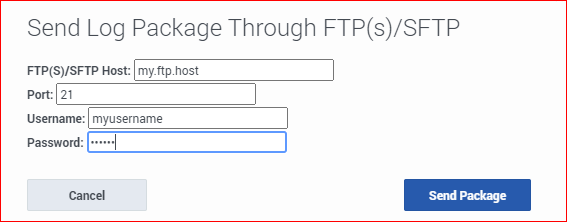

- LFMT 8.5.105 added the capability of providing an optional FTP Proxy; please complete those fields if/when required:

This page was last edited on September 12, 2022, at 10:17.
Comments or questions about this documentation? Contact us for support!